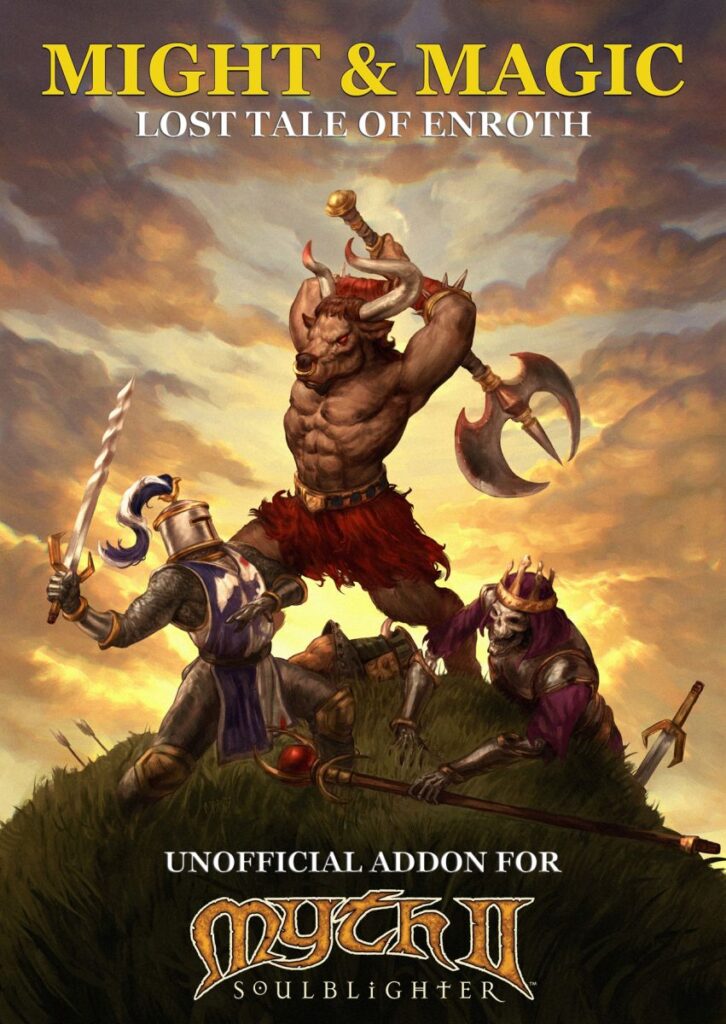
Might & Magic – Lost Tale of Enroth download

| Platform | Myth II |
| File Size | 1,1 GB |
| Version | 2.0 |
| Updated | 18.09.2026 |
| Author | MAIK |
| Download (official, google drive) | |
| Download (alternative, WoG Folder) | |
| Download (Myth II patch v1.8.5, WoG Folder) | |
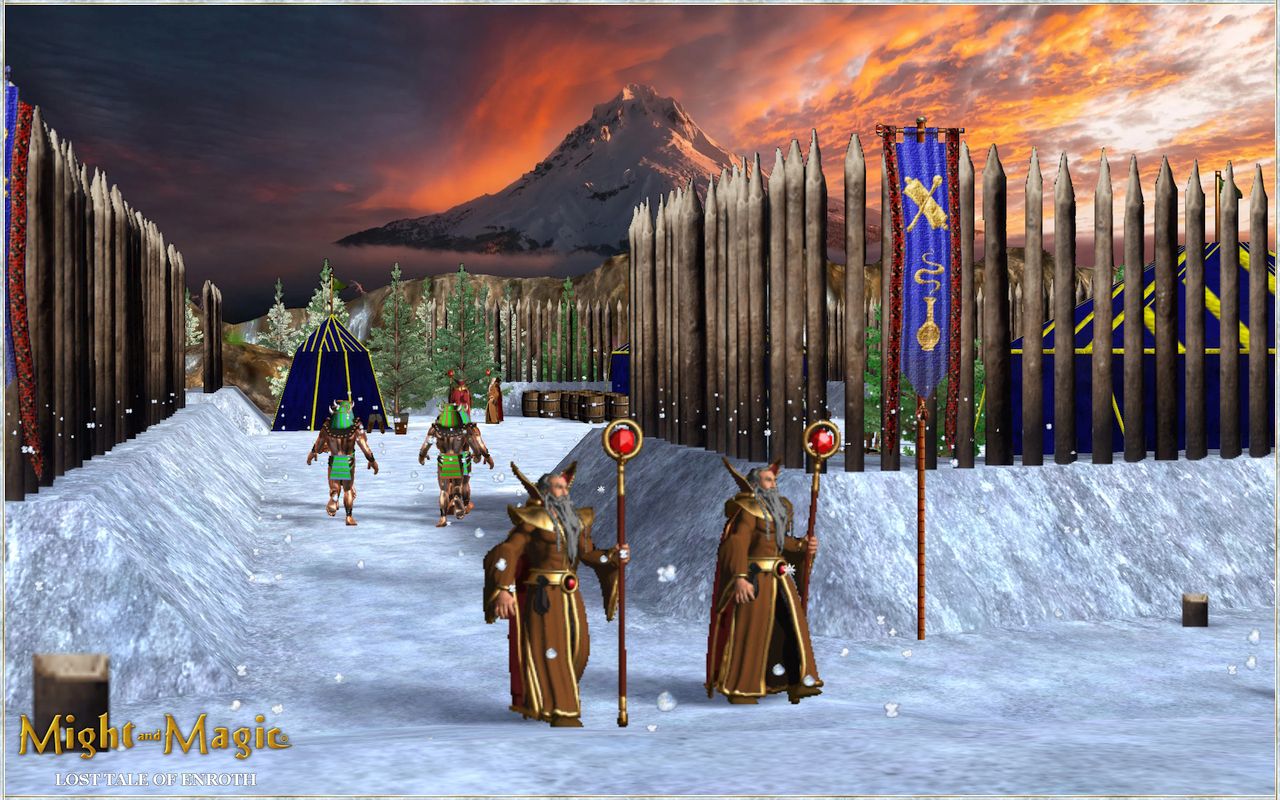
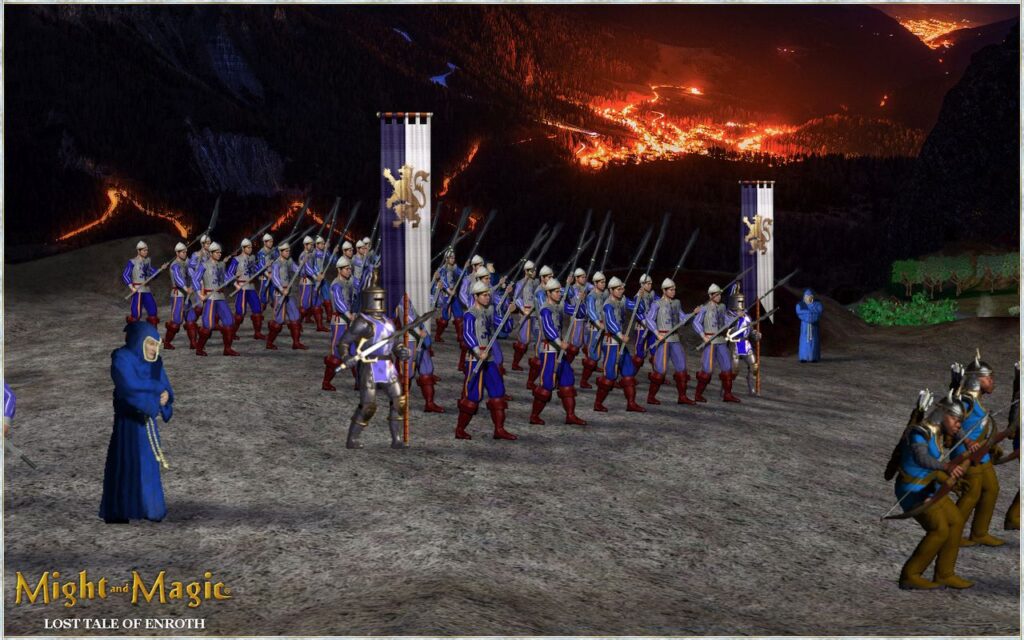
“As a knight, you will take part in the battle on the fields of the Highlands. As a warlock, you will make your way through the icy mountains of Bracada. As an archmage, you will defend at the foot of the volcano and break into the dungeon of the old city. “As a powerful Lich storm a port city and defeat the knights in the swampy terrain”
- An 8 level unified campaign with a cohesive plot (accompanied by 6 cutscenes) + 1 tutorial level;
- An element of randomness has been introduced in the levels (the enemy can attack or defend; with each new start of the level, different types of enemy units and different routes are encountered), and the campaign duration has been extended to 5–6 hours (7-8 hours on Legendary);
- Reworked: Detail Textures, Terrain mesh and Vertex mesh at all levels;
- New interface (must always be enabled during the game!);
- New game mechanics: fire grass, mud, ice storm, ship artillery bombardment, hiding in grass/forest, chests with artifacts, many new spells;
- UI improvements (stars indicating mission objectives);
- Complete rebalance of all units + 8 new units. (more information in the Manual file)
Installing the Might & Magic – Lost Tale of Enroth addon for MYTH II
To install the mod, you need to own Myth II. Unfortunately, the game is not available on Steam or GOG, so if you have trouble finding a copy, feel free to contact me.
- Install Myth II 1.8.0.
- Download the Myth II 1.8.5 patch and run it.
- Install the patch into your Myth II game folder.
- Download the Might & Magic – Lost Tale of Enroth addon.
- Extract the archive and copy all the files into the folder where Myth II 1.8.5 is installed.
- Launch the game using Myth II.exe.
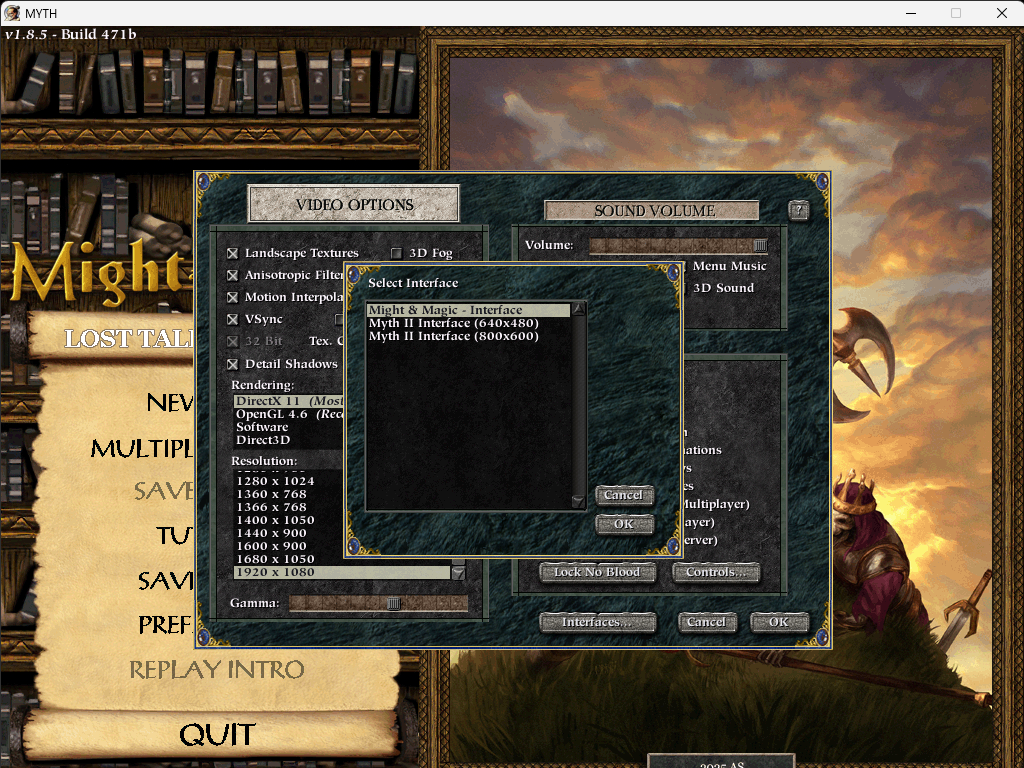
- From the main menu, select Preferences. Then, in the bottom-right corner, click Interfaces, select Might & Magic Interface from the menu, and click OK to confirm.
-
Select NEW GAME, then under the Campaign section, select Might & Magic.
Warning! Might and Magic – Detail Textures conflicts with Magma – Detail Texture Megapack or Magma – HD Megapack 2of2. Please, remove megapacks from your plugins folder before running the game!
Source: http://heroescommunity.com/viewthread.php3?TID=47274
Heroes III Griffin shield badge in stock

WoG Folder – All HoMM mods in one place