Heroes 3: ERA Project – Mod Browser recommended mods
In the previous article, we covered mods that enhance the base game while preserving the original feel of Heroes III.
Now, let’s take a look at recommended mods that add new content to the game while still making you feel like you’re playing Heroes III. Let’s get started!
Advanced Classes Mod
(must be enabled through Mod Manager)
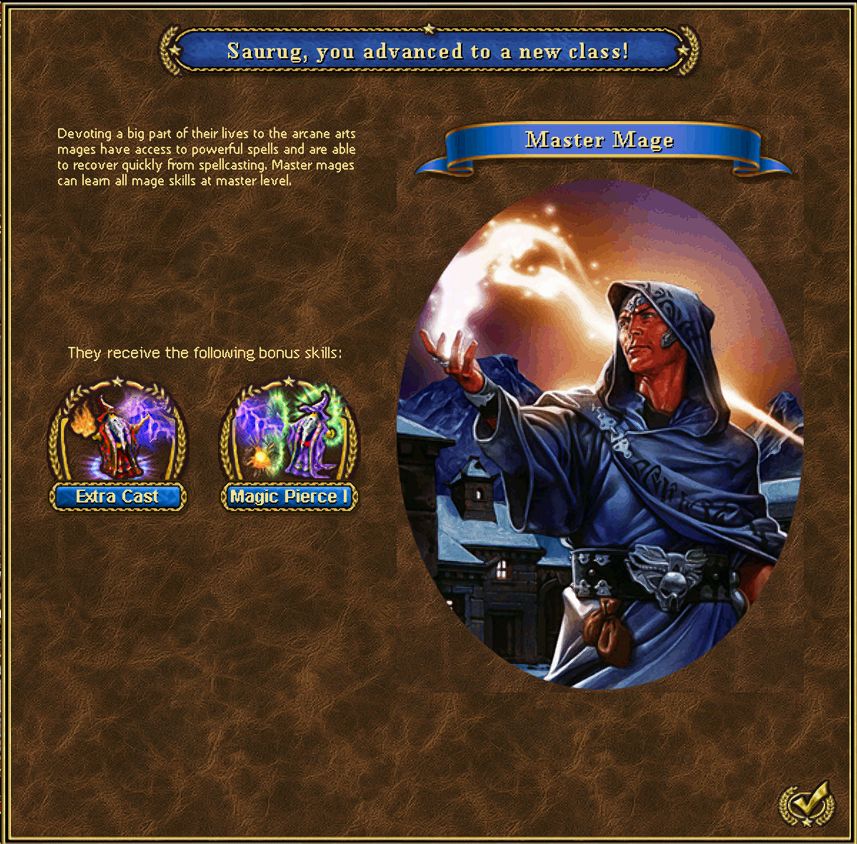
This is a massive mod that introduces new hero classes and skills, but that’s just the tip of the iceberg. Listing all its new features would take an entire article, so it’s better to discover everything for yourself while playing.
For example, try right-clicking on the backpack in the Hero Screen or Blacksmith on the town screen. 🙂
The Advanced Classes mod is huge, and its author, PerryR, has also integrated it with some of his other mods, such as Arena Mod and Raid Boss Mod.
Disable AI Turn Delay
This is more of a technical mod that works in the background and significantly speeds up the AI opponent’s turns.
It does this by removing delays that occur when AI heroes collect resources, fight battles, or visit objects on the adventure map.
ERA Spells
As the name suggests, this mod adds new, original spells to the game. Once it has been sufficiently polished and tested, it will definitely deserve a place in the Essential Mods section.
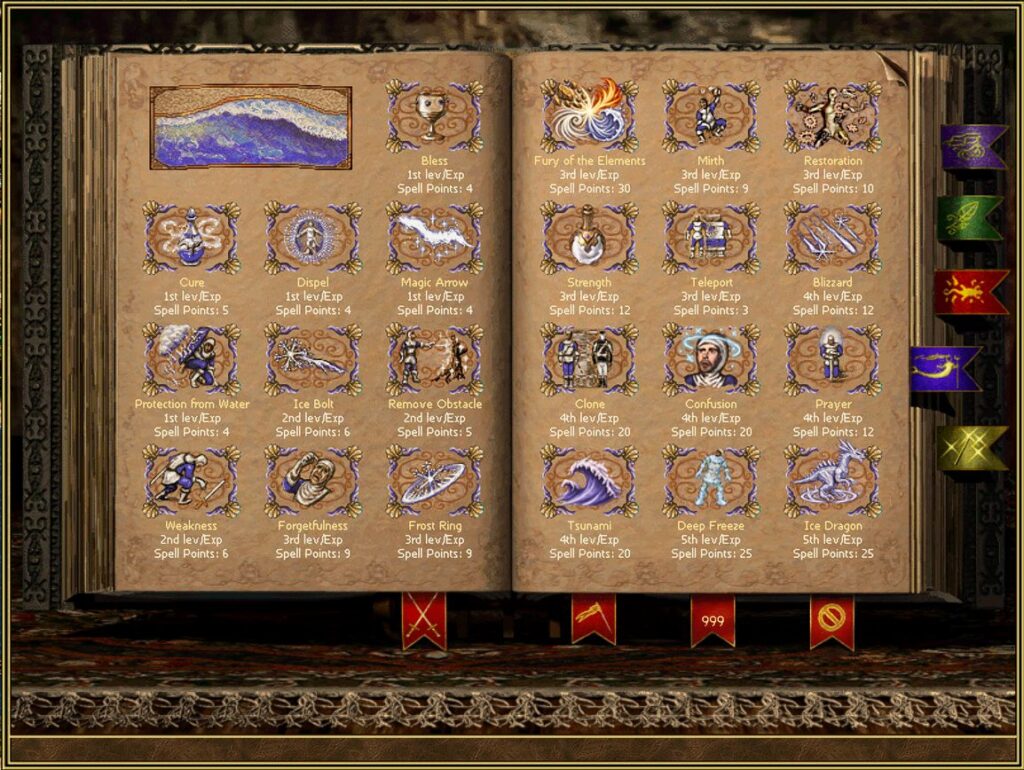
ERA Spells mainly introduces offensive spells, something Water Magic desperately needed. There are already more than 20 spells available.
Some examples include Vampirism, Summon Flame Spirit, and Tsunami.
Bounty Hunter Mod
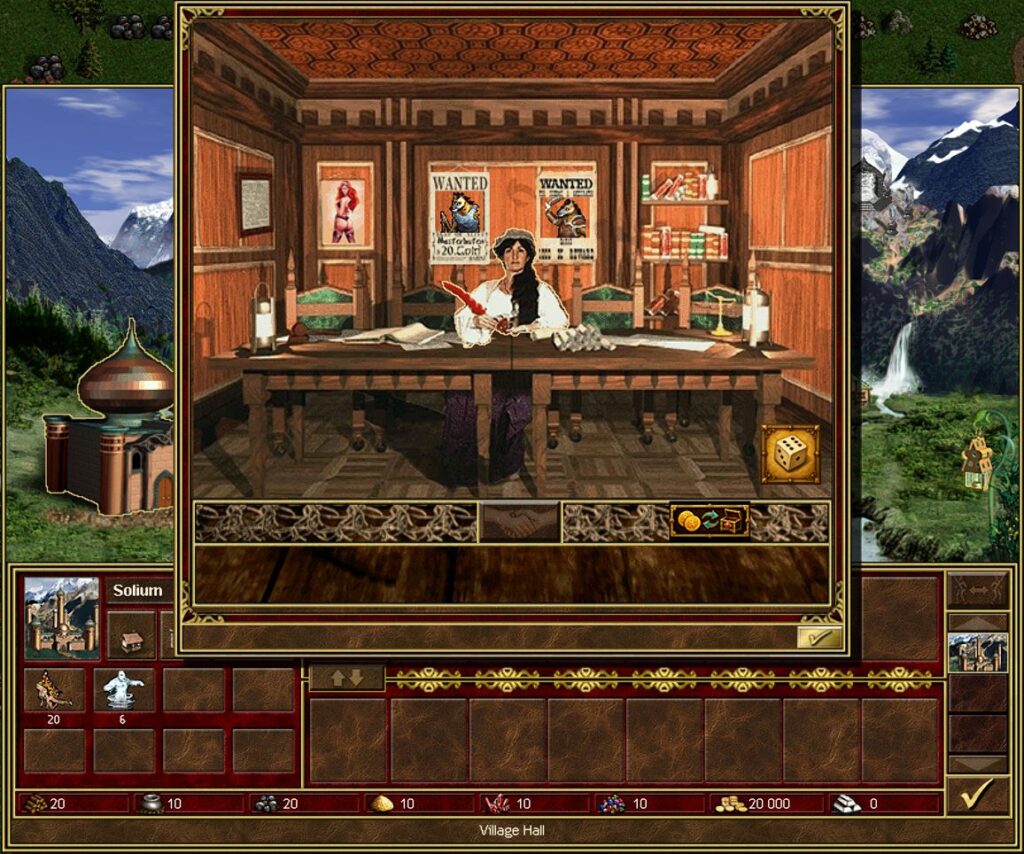
This mod introduces weekly challenges. At the beginning of each week, a random creature is selected as a bounty target. If your hero defeats these creatures, you receive a reward. The more creatures you defeat, the better the reward! You can claim your reward from Janice, a character known from Might and Magic VI, in your town.
The mod is compatible with Advanced Classes Mod and automatically integrates with it when AC Mod is enabled.
Hero Reserve Slots
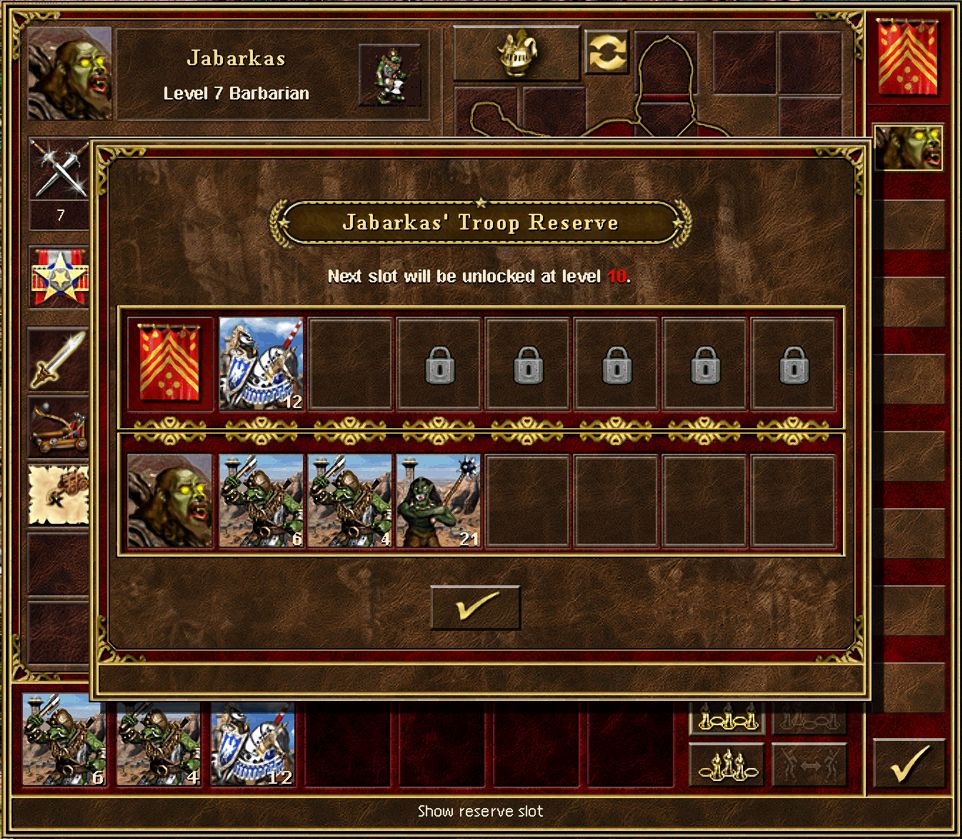
This mod adds seven extra slots where you can store creatures outside your hero’s main army.
It’s especially useful on large maps. Imagine recruiting 25 Titans but not wanting to replace any of the seven creature stacks in your hero’s army. Instead of leaving them behind, you can simply store them in a reserve slot!
Raid Boss Mod
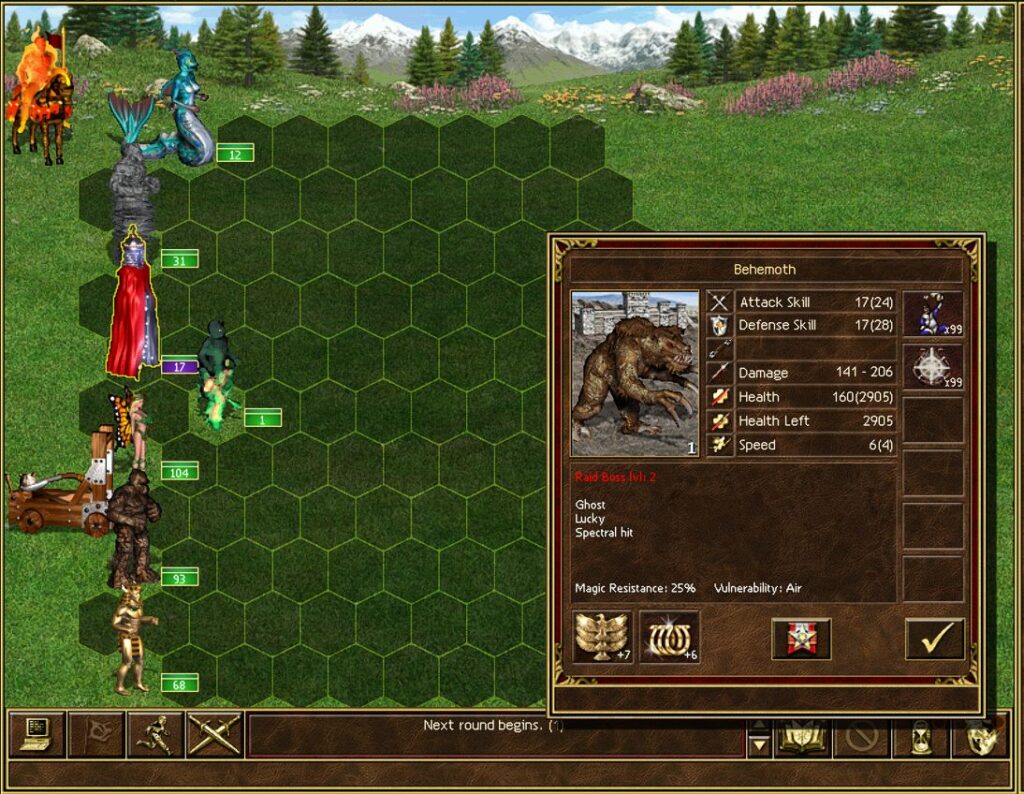
With Raid Boss Mod enabled, there is a chance each in-game day that a dangerous wandering creature will appear near you and attempt to attack your town.
If your hero defeats it, you’ll receive a reward. However, if you fail to stop it, the creature will invade your town and steal gold.
But beware! These are no ordinary creatures. They have increased HP and various special abilities, making them difficult to defeat. You’ll have to earn that reward!
Hit Landing Effects
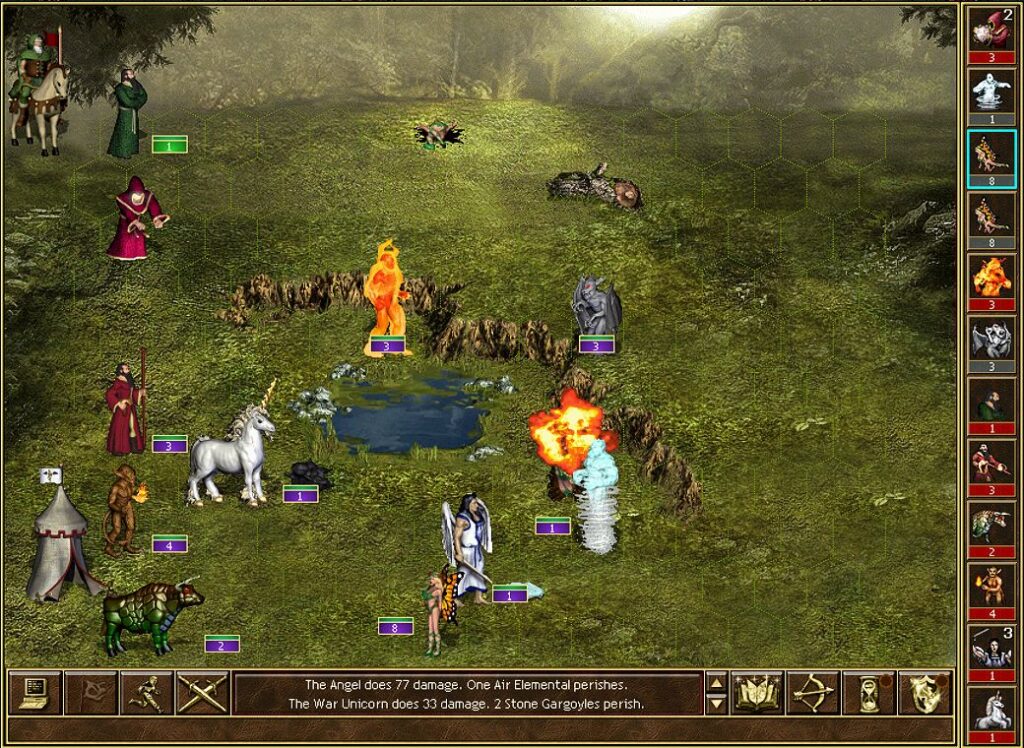
This is a graphical mod that adds various visual effects to creature attacks during battles.
For example, when an Archangel strikes an enemy with its flaming sword, you’ll see a fiery impact effect on the target.
It’s a very nice addition that brings the battlefield to life and makes combat more visually appealing.
TUM Enchanted
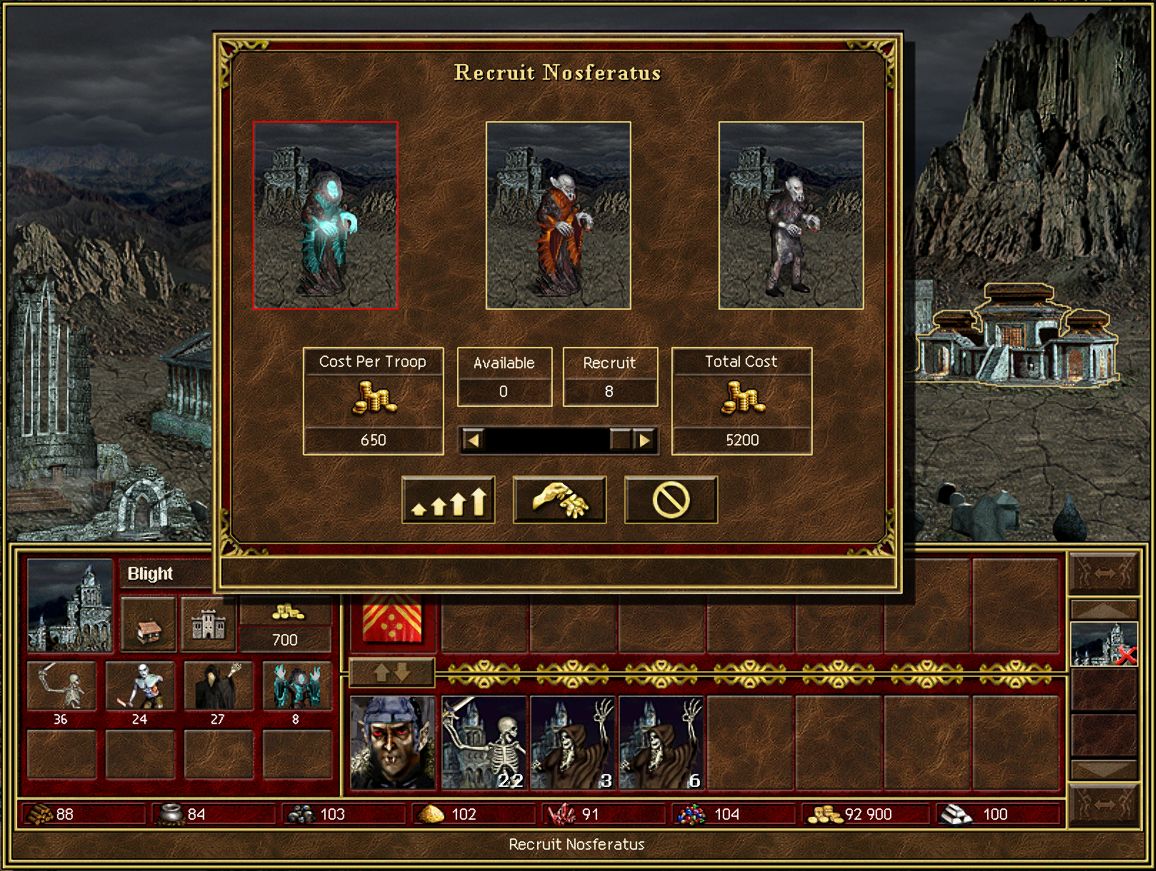
The main idea behind TUM Enchanted is that every creature dwelling in a town can be upgraded one additional time, unlocking new creatures.
On top of that, the mod improves the AI both in combat and on the adventure map. Creatures have received more than 100 new abilities, and each faction now has its own unique strategy.
Please note that this mod is not yet compatible with JS – New Artifacts.
Difficulty Mod
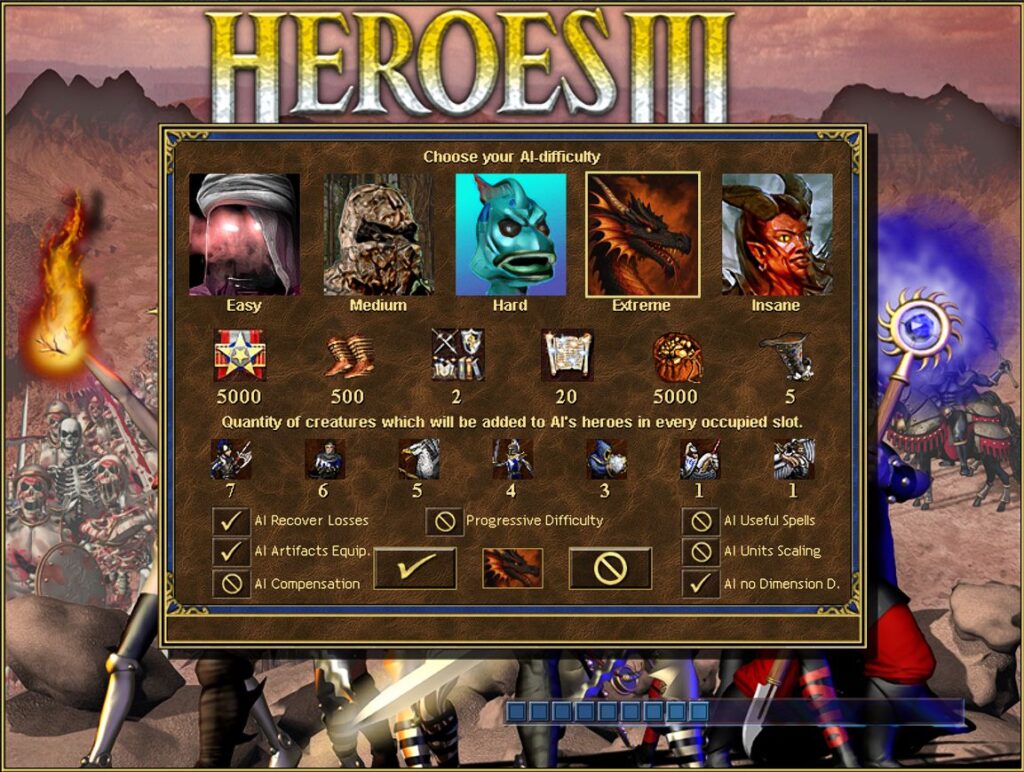
If the AI opponent can no longer surprise you, give Difficulty Mod a try! It can turn the AI into a much more challenging opponent.
You can configure various bonuses and scaling options for the AI, making the final battles much more epic.
However, be careful with your settings. If you push the bonuses too far, the computer opponent might completely crush you!
That’s all for this section for now, but I’m sure the list will grow in the future. In the next article, we’ll take a look at mods with great ideas that, unfortunately, are not quite finished yet.
Activating ERA mods via Mod Manager
There is one more important step: mods downloaded through the Mod Browser still need to be activated through the Mod Manager. Fortunately, this is also just a single click.
Open Mod Manager. All the mods you have downloaded will be listed in the lower section of the window.
Select the mod you want to use and click the Enable button in the top-left corner. After activating all the mods you have selected, I recommend clicking the Sort button in the bottom-left corner, just to make sure everything is in the correct order.
I’m also attaching a screenshot showing what my Mod Manager looks like:
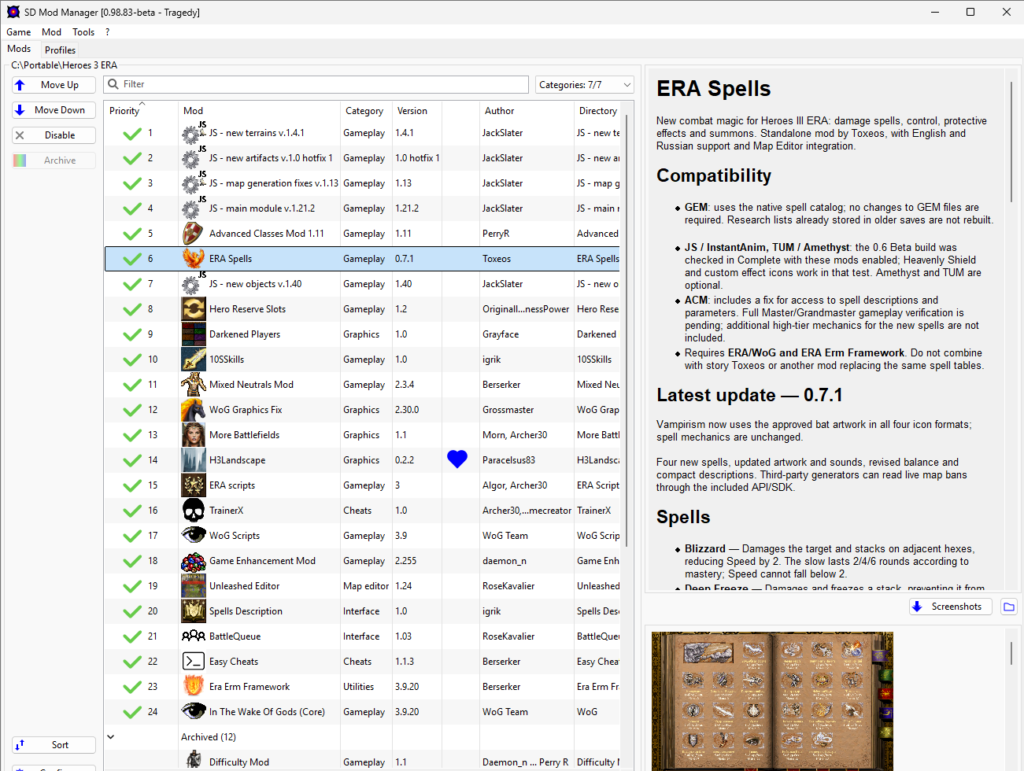
On the screenshot of my Mod Manager, you can also see other mods such as ERA Scripts, TrainerX, WoG Scripts, GEM, Unleashed Editor, Battle Queue, Spells Descriptions, Easy Cheats, ERA ERM Framework and In the Wake of Gods.
Heroes III Griffin shield badge in stock

WoG Folder – All HoMM mods in one place