Project Ironfist download (Heroes 2)

| Platform | Heroes 2 |
| File Size | 1 MB |
| Version | 1.3 |
| Update | 03. 12. 2021 |
| Author | James Koppe |
| Status | inactive |
| Download (official, ironfi.st) | |
| Download (alternative, WoG Folder) | |
| ⚙️ WoG Folder is online source of HoMM mods I’ve discovered over the past decade. It’s regularly updated, and all mods are neatly organized. The WoG Folder also contains various goodies like the “Did you know?“ series, artworks, manuals, meme collections, and more. | |
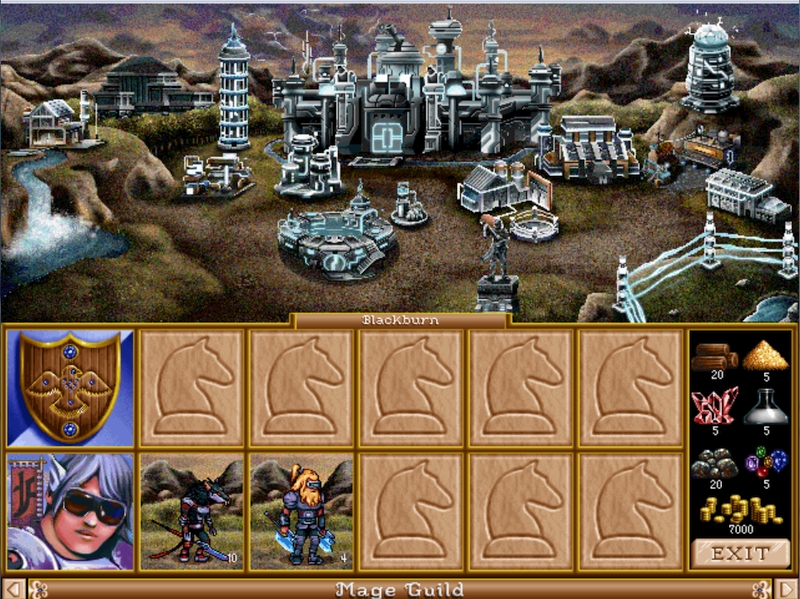
Project Ironfist is a modification of Heroes of Might and Magic II: The Price of Loyalty. Before playing Ironfist, you should install either Heroes of Might and Magic II: Price of Loyalty or Heroes of Might and Magic II Gold. New copies of Heroes of Might and Magic II: Gold can be purchased from GOG.com.
How to install Project Ironfist:
- Download the installer
- Run the installer and follow the instructions. Install the game in the same directory as your Heroes II installation.
- From the Windows Start Menu, run Programs->Project Ironfist->Ironfist
- See it in action by trying out the demo map “Sorrow’s End.” (It’s a Small map available under the “Expansion Maps” menu.)
Many Ironfist users on Windows 10 after installing, repeatedly experience an issue of the game crashing. The cause behind this is the installation of the game on Windows 10 being set to run fullscreen by default. Ironfist is unstable when running in full screen; the game may open a white screen and then immediately crash. However, if the game is stuck in fullscreen, the setting for it can be changed to windowed mode with a few short steps.
Steps To Fix Crash:
- Open the Registry Editor
- Navigate to HKEY_LOCAL_MACHINE -> SOFTWARE ->WOW6432Node ->New World Computing -> Heroes of Might and Magic 2 -> 1.0
- Find “Main Game Full Screen” and set it’s hexadecimal value from 1 to 0.
After performing these steps, Ironfist should start up without any problem.
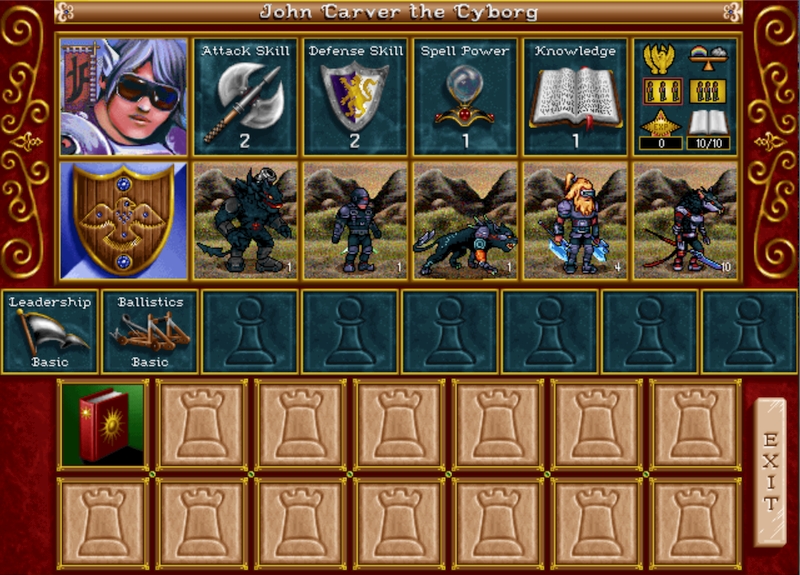

Heroes III Griffin shield badge in stock

WoG Folder – All HoMM mods in one place