Living Adventure Map mod download
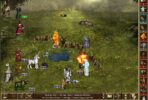
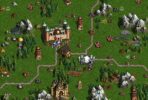
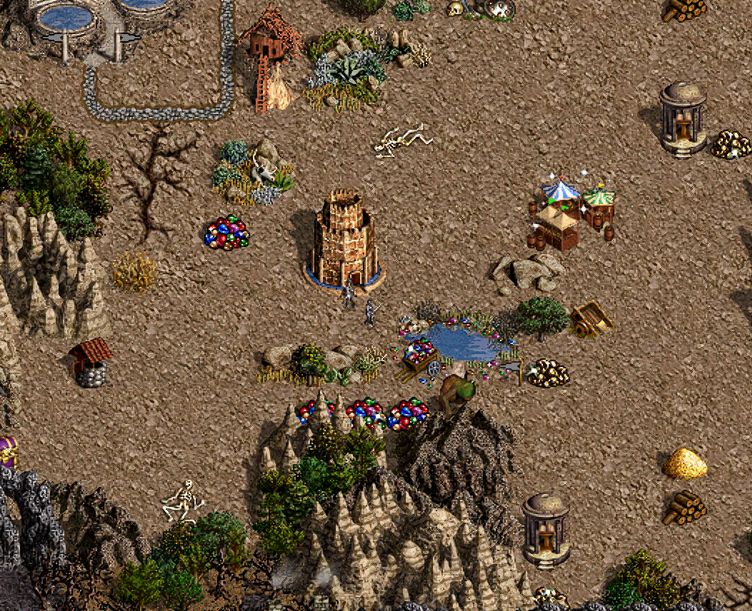
The wind picks up and dies down, trees bend and lose their leaves, smoke drifts from chimneys and campfires and forges glow. Windmills turn with the wind. Birds cross the sky and settle on roofs, trees and lakes – until a hero rides too close. Wildlife can be spotted rarely, the water and the lava stir, clouds drift over it all, and the map can be heard as well as seen.
| Platform | ERA Project |
| Cathegory | Graphics |
| File Size | 6 MB |
| Version | 1.2 |
| Updated | 20.11.2026 |
| Author | Sinistral |
| Status | active |
| Download (alternative, WoG Folder) | |
| or install / update this mod via Heroes Launcher | |
| ⚙️WoG Folder is online source of HoMM mods I’ve discovered over the past decade. It’s regularly updated, and all mods are neatly organized. The WoG Folder also contains various goodies like the “Did you know?“ series, artworks, manuals, meme collections, and more. | |
Living Adventure Map mod decription:
The guards of every creature bank come alive – from the game or from any mod: flyers circle the bank and perch on its roof, walkers patrol in front of it and look around, sea guards swim around and dive, floating eyes hover and drift – until the bank is cleared. Dwellings send out some of the creatures you could hire there. Still shrines, wells and fountains give off a faint shimmer, and objects at sea stir the water around them.
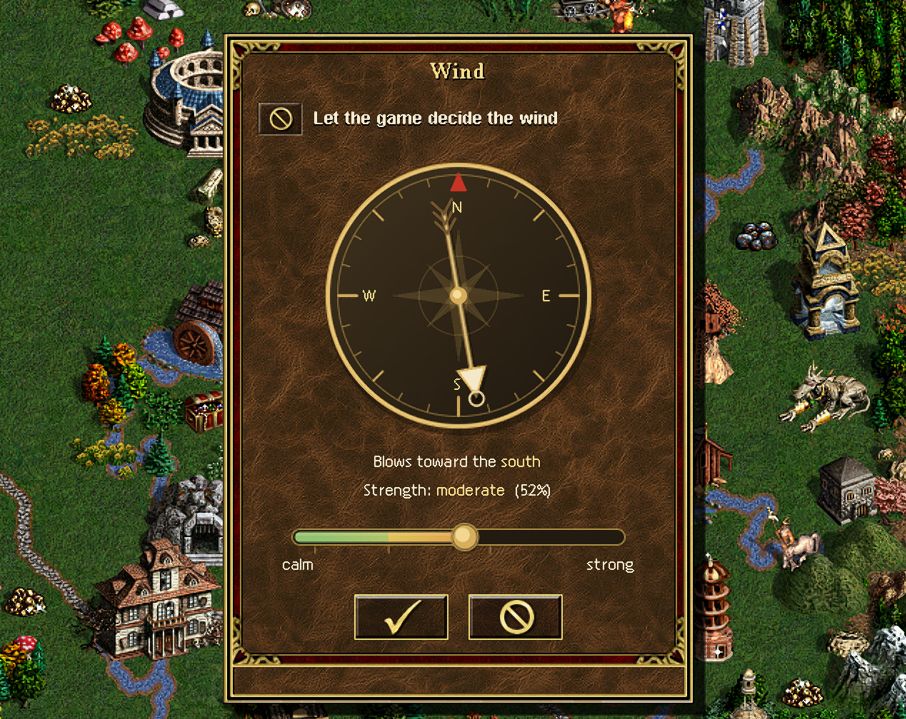
A small compass shows where the wind blows – or lets you decide. Calm days leave the windmills standing still. And somewhere, very rarely, something special happens.
Everything is read from the game’s own graphics, so it fits the original art, WoG Graphic Fix, Third Upgrade Mod and JS’s new objects and terrains alike.
How to use Living Adventure Map mod
Install it from the Heroes Launcher Mod Browser, or unzip the release into Heroes 3 ERA\Mods\ and enable the mod in the Mod Manager.
All switches and strengths are in Mods\Living Adventure Map\Data\Living Adventure Map.ini; each value shows its default and what it does. Change a value, then load a save or start a game: no restart needed (except to switch [Main] Enabled or [Sound] Enabled back on).
- Wind compass: left-click it for the wind window – tick “Let the game decide the wind” for changing weather, or untick it, drag the arrow to where the wind should blow and set its strength with the slider; OK keeps it (Cancel or Esc changes nothing). Right-click it to see what the wind does now.
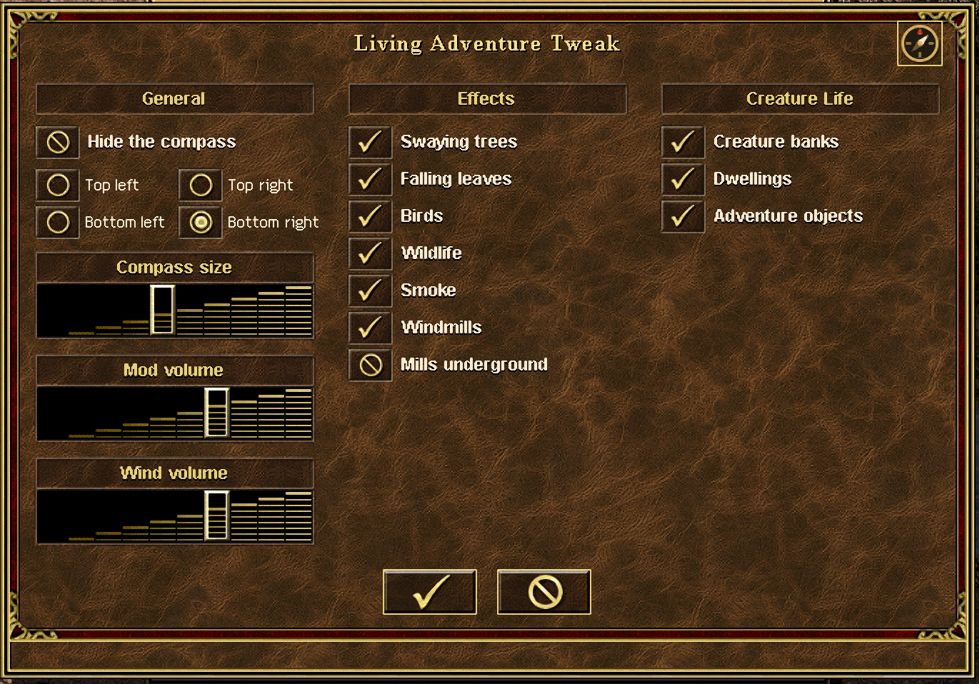
[Compass] Clickable = 0turns the clicks off. - Living Adventure Tweak: System Options > Other Settings (below Script Message Disabling, once a game has started). Three columns: General (hide the compass, its corner and size, mod and wind volume), Effects (trees, leaves, birds, wildlife, smoke, windmills, windmills underground) and Creature Life (creature banks – the Dragon Utopia too -, dwellings, adventure objects). The compass icon at the top right opens the wind window. OK writes your changes into the ini.
- Sound follows the game’s Sound Effects volume and its “Background Sounds” option.
[Sound] Volumescales it further. - Languages: every text is in
Lang\living_adventure_map.json; a Russian translation is inLang\ru\. Choose the language with the Language button in System Options. To translate, copy the json intoLang\<language code>\and translate the texts (keep the@name@parts). - Each feature has its own switch:
[Windmills](alsoCalmStopandUnderground),[Banks],[Dwellings],[Buildings] TrainingandDragons,[Smoke] ChimneysandGlow,[Sites],[Trees]. - Off by default: the crackling fire and the leaf rustling sounds (
[Sound] Fire,Leaves), and the experimental bending of volcano and geyser plumes ([Smoke] Volcanic– still being reworked, see the warning in the ini).
Heroes III Griffin shield badge in stock

WoG Folder – All HoMM mods in one place