Heroes 3 Image to Map Converter update v1.2
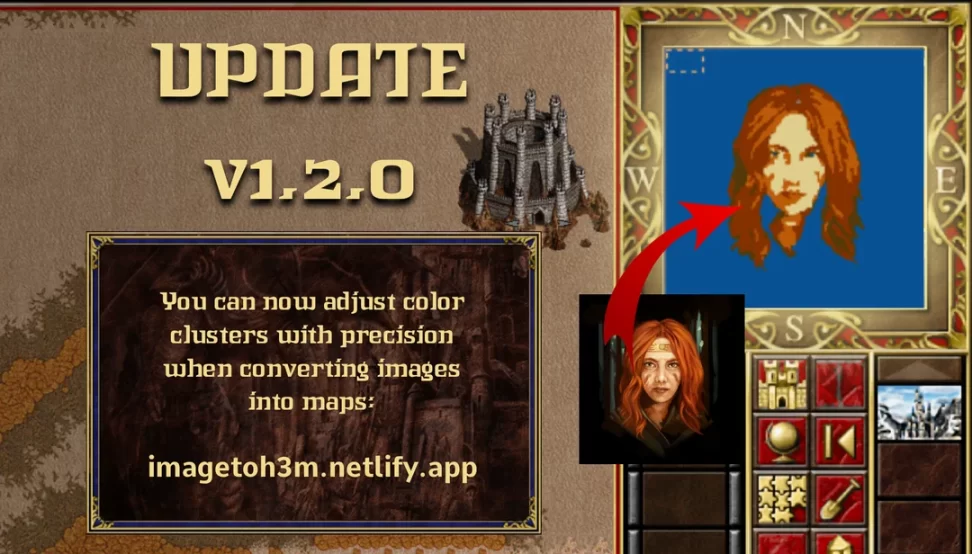
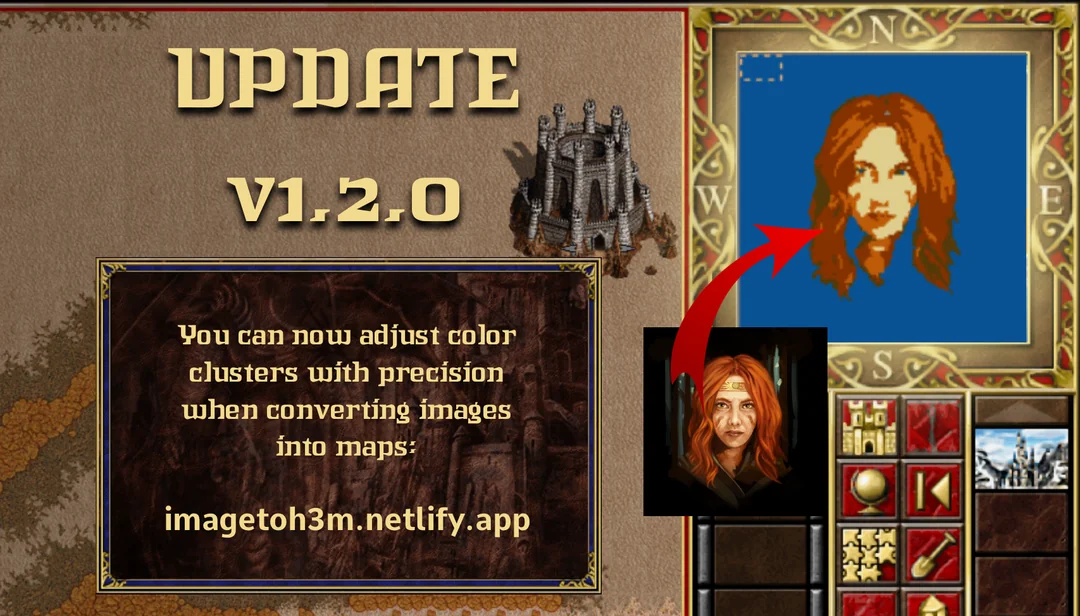
Convert an image into terrain in a downloadable, editable, playable .h3m file forHeroes III: Horn of the Abyss. Use the settings in the sidebar to map the image’s color clusters to terrain types and more.
Note: Exported maps often have buggy terrain sprites. To fix this, simply open the file in the map editor and paint a small patch of terrain anywhere; the editor will automatically correct the sprites across the map.
| Links: |
| Image to Map Converter |
| Author: TotallyCragHack |
The idea is simple: upload an image, let the tool process it, and download a ready-to-use *.h3m* map file. You can then further refine it in the map editor or jump straight into the game. It even opens up interesting possibilities, such as recreating real-world locations. Do keep in mind that the generated maps require the Horn of the Abyss expansion to work properly.
ImageToH3M also offers several customization options, including terrain adjustments and image tuning, giving creators more control over the final result. This makes it useful not only for beginners, but also for experienced map makers looking to speed up their workflow.
Heroes III Griffin shield badge in stock

WoG Folder – All HoMM mods in one place